 kafadengi











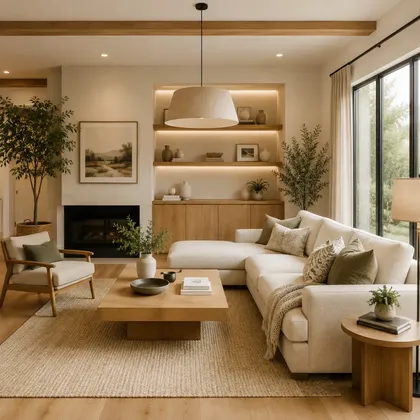

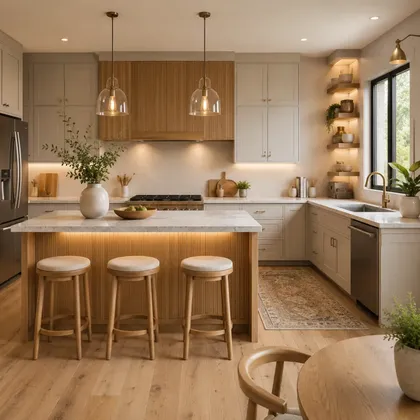
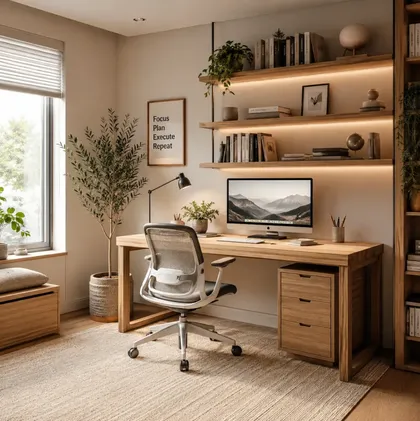
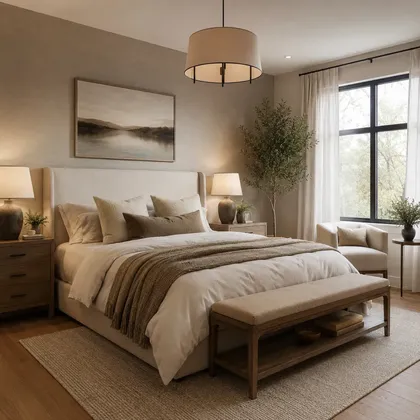
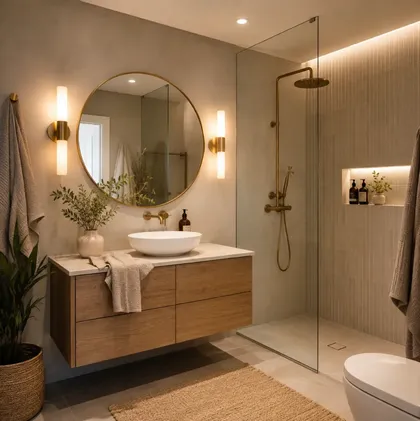





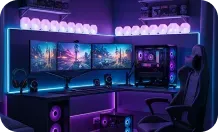




















Interior Design
Upload a pic, choose a style, let AI design the room.


Snap a photo of your room, pick a style and a palette, and let AI imagine the makeover. Interiors, exteriors, floors, lighting and gardens.
Free download · AndroidDesigns are AI-generated inspiration and may not be accurate.
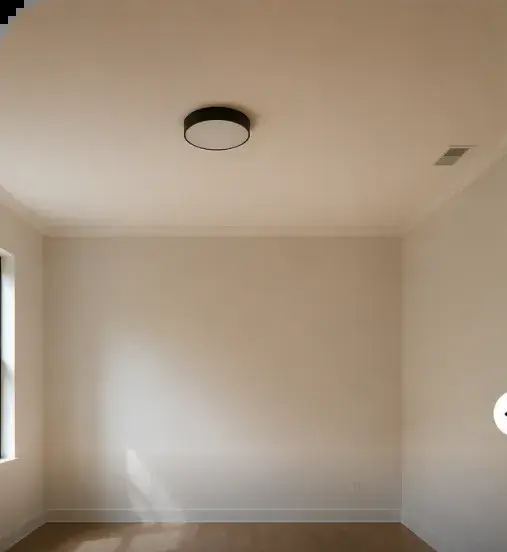
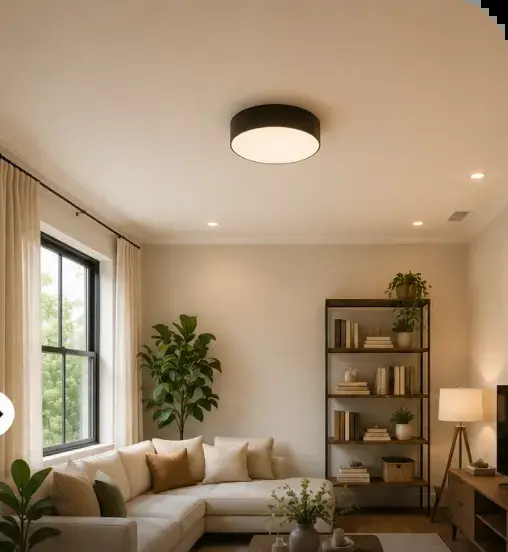
Tap through the real app screens: choose a photo, a design style and a color palette, and watch the processing screen. Or just wait and the demo plays itself.
Get Decorify AI on Google Play
Upload a pic, choose a style, let AI design the room.
Refresh your home's facade and architecture in seconds.

Instantly swap flooring materials for a fresh look.
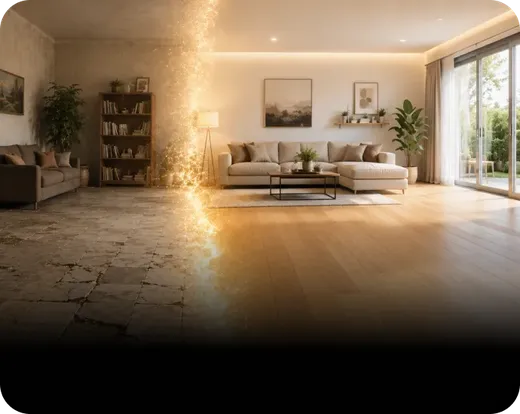
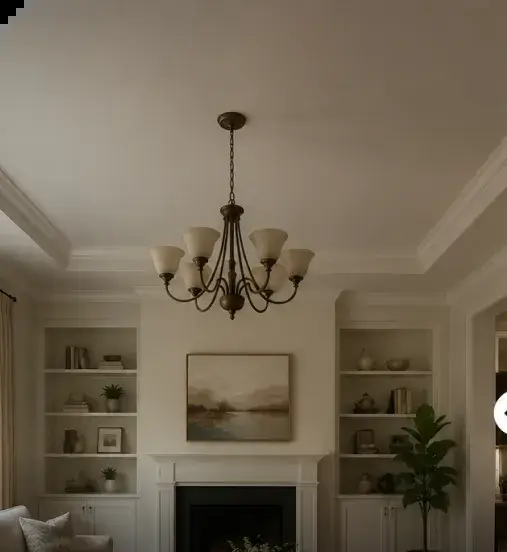
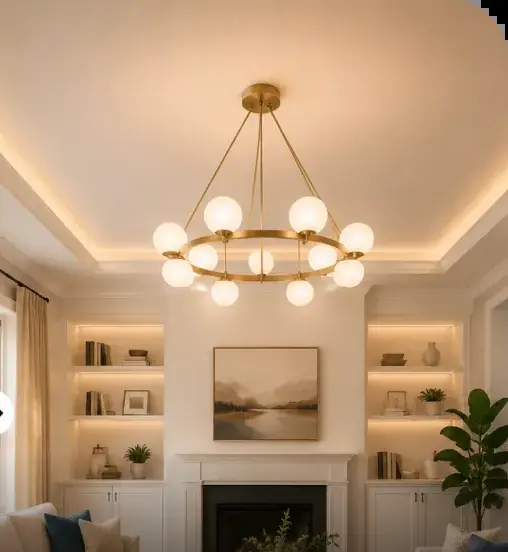
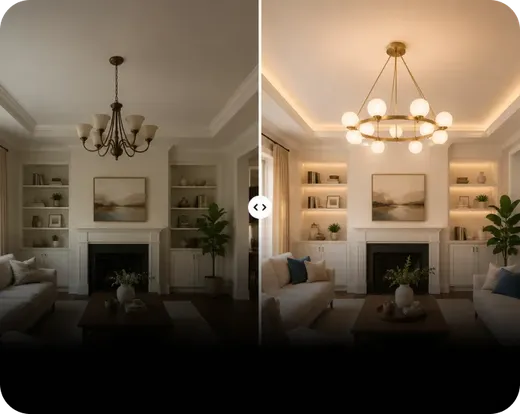
Master the mood with intelligent, realistic lighting effects.
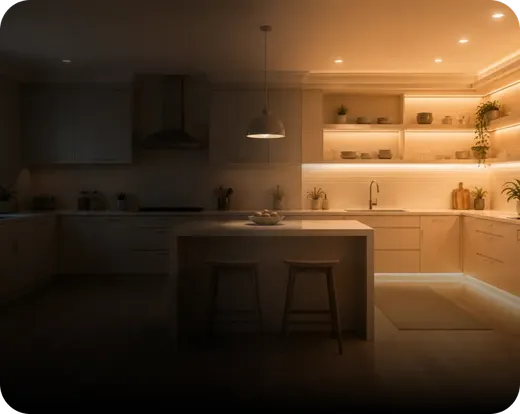
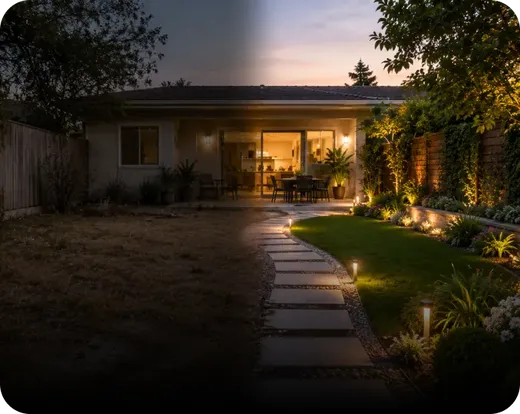
Design stunning landscapes and outdoor retreats effortlessly.
Swap any furniture with stylish, modern alternatives.
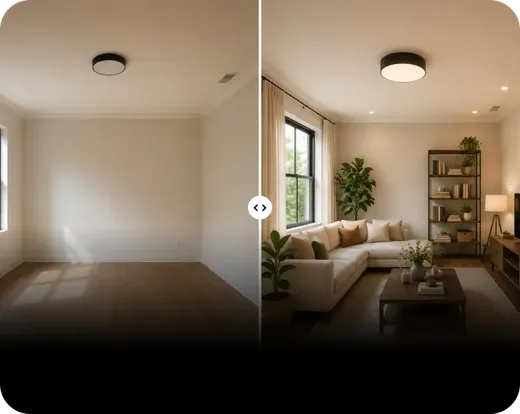
Fill empty spaces with perfectly curated furniture layouts.
Take a photo or choose one from your gallery. Clear, well-lit shots work best.
Pick a room type, a design style from Modern to Mediterranean, and a color palette.
The AI generates a new version. Compare it, regenerate, save or share.
Decorify AI is free to download from Google Play. Creating designs uses a subscription, with a free trial when you are eligible. The app has no ad breaks between your steps, and the price and trial terms are shown in the app and on Google Play before you pay.
No. Every redesign is generated by AI from your photo and the choices you make, so details such as furniture, materials and lighting are an imagination of the space and may not be accurate. Use them as inspiration, not as a construction plan.
Interior rooms, house exteriors, floors, lighting, gardens and individual objects, and you can fill an empty room with furniture. For interiors you choose the room type, a design style and a color palette.
Clear, well-lit photos that show the whole space, with minimal clutter and no people. The app shows good and bad photo examples before you start.
You can take a photo with the camera or pick one from your gallery, so camera or photo access may be requested. Read the Data safety section on Google Play and our Privacy Policy for details.
Yes. Results can be saved to Saved Images, where you can see the before and after of each design, and shared with friends or family. You can also browse community designs in Discover and Connect.
Download Decorify AI and see what your space could become.
Free download · Android · AI-generated designs